The voice memo that speaks music.
Catch the melody the moment it arrives — then let MuseMemo remember what you actually played, not just how it sounded.
One tap to capture, zero friction
Open MuseMemo and you're on the record screen, tuner and metronome right there. Hit record, play, and stop — the take saves to your library and the analysis runs on its own. Pause and resume mid-idea, and a 30-minute guard means a long take is never lost.
Lossless WAV
44.1 or 48 kHz, mono or stereo. Real audio you can build on.
Organized
Folders, tags, notes, and favorites keep ideas findable.
Learn more →Searchable
Find takes by name, key, BPM — even by the chords inside them.
Learn more →To the click
Record with the metronome to lock tempo and meter.
Learn more →For the way songs actually arrive
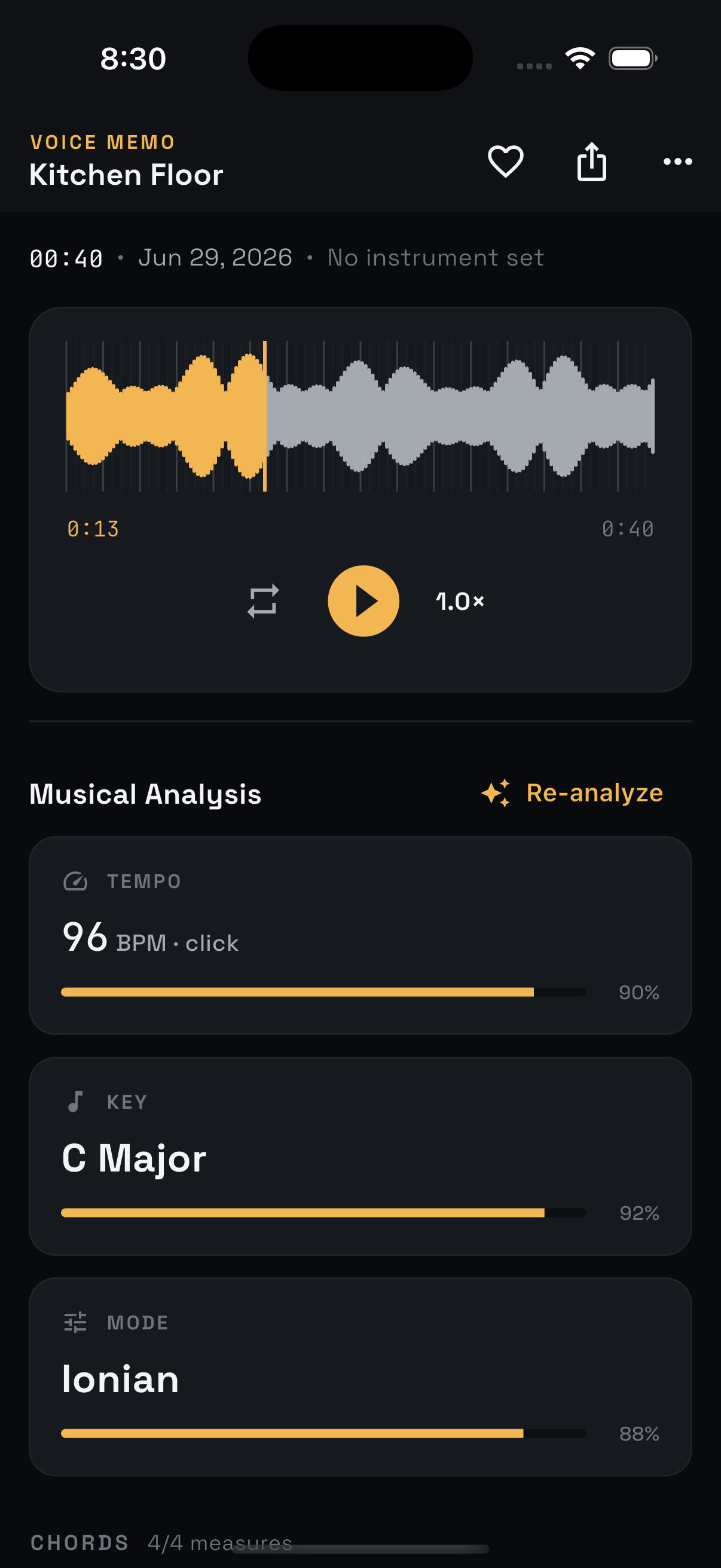
Ideas don't wait for a studio. MuseMemo is designed to catch them wherever they happen and make them useful later — it hears the chords, builds an editable lead sheet, and exports to the tools where you finish songs. All on-device, all private.
Frequently asked questions
What makes this better than my phone’s voice memos?
A voice memo keeps the sound but loses the music. MuseMemo captures the same clean audio and then works out the chords, key, and tempo, keeps takes organized in folders and tags, and lets you search by chord, key, or BPM — so months later you can still find and decode the idea.
What audio quality does it record?
Lossless PCM WAV, your choice of 44.1 kHz or 48 kHz, mono or stereo. You can pause and resume a take, and import existing WAV or AIFF files too.
Can I record with a metronome?
Yes. Run the built-in metronome while you record and MuseMemo captures the exact BPM and time signature as ground truth, locking the chord chart to your tempo.
Where are my recordings stored?
On your device, organized into folders with optional tags and notes. Backups are local — there is no required account and nothing is uploaded.
Never lose another idea.
MuseMemo is a one-time $9.99 purchase — yours forever. No subscription, no ads.
- iPhone iOS 16+
- iPad iPadOS 16+
- Android incl. ChromeOS
- Mac macOS 10.15+